Free Chrome extension
Crawl by PM.
See any page the way Google and AI crawlers see it. Indexability, headings, schema, robots.txt for AI bots, raw vs JS and speed, in a side panel that stays open while you browse. No ads, no tracking, no account.
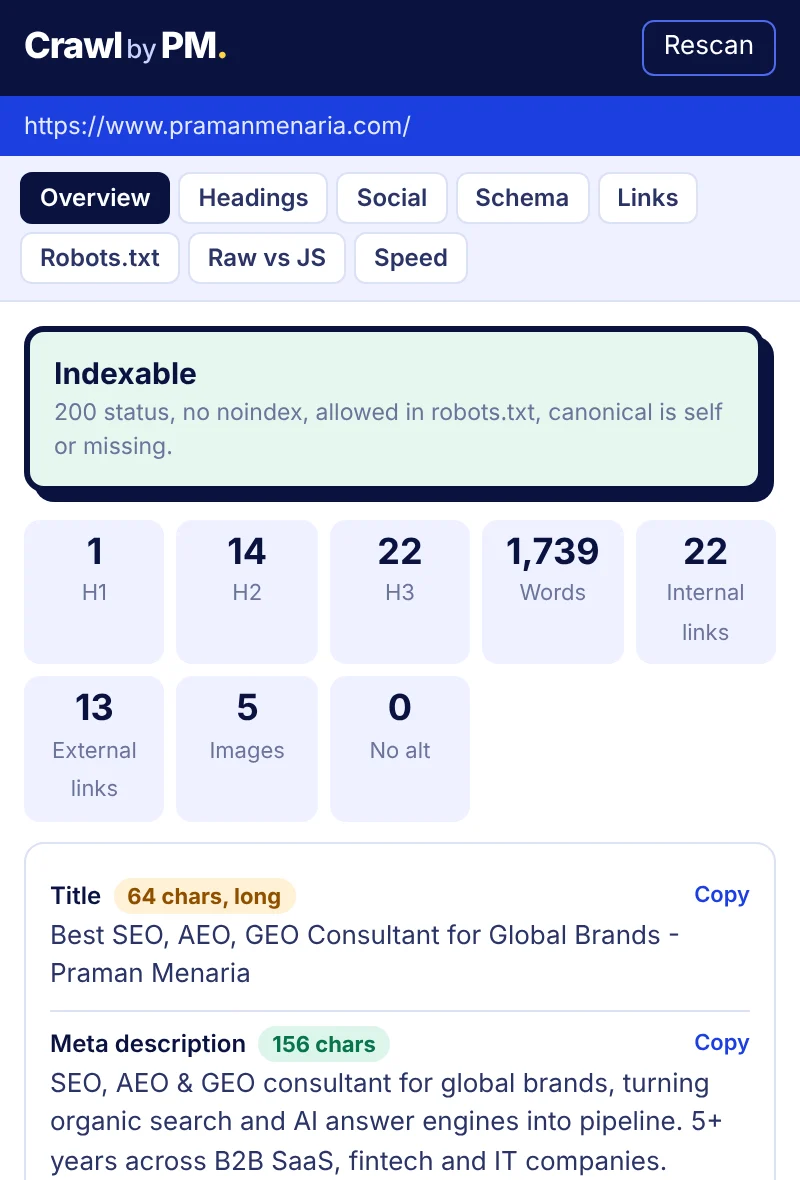
Is this page indexable? Know in one click.
Open the panel and the first thing you see is a plain verdict, with the reasons if the page can't be indexed. Below it: title and meta description with length checks, canonical (self-referencing or pointing elsewhere), meta robots, the X-Robots-Tag header, HTTP status, hreflang, language and schema types.
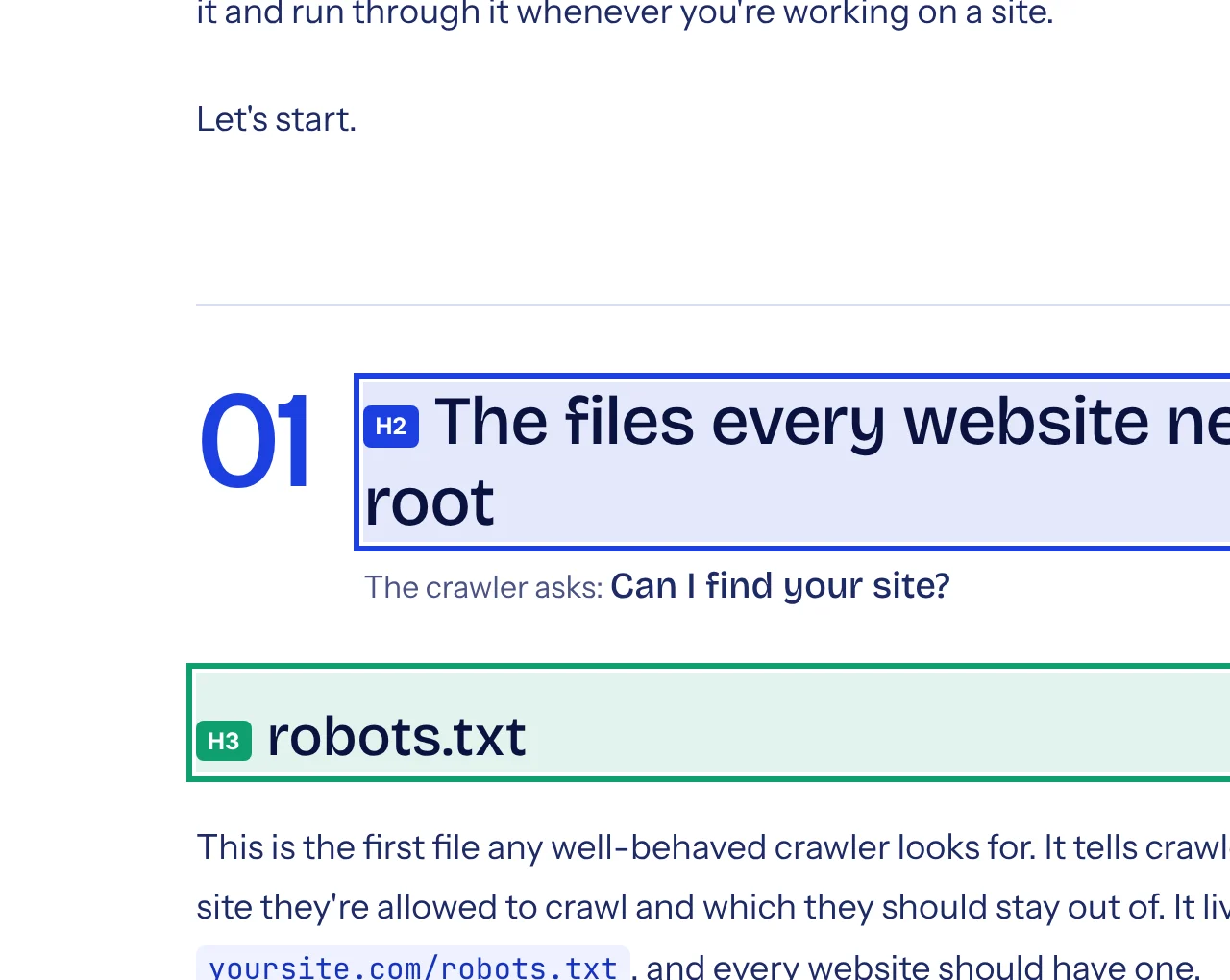
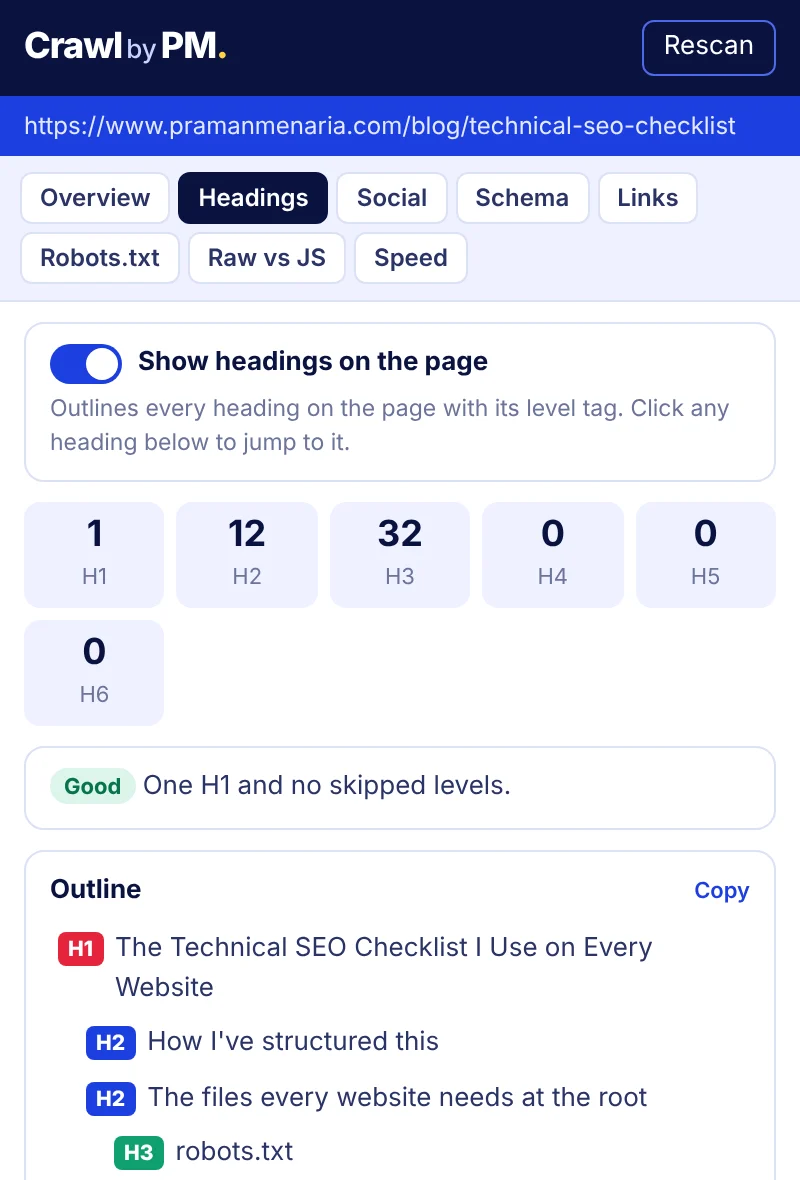
Heading structure, on the page itself.
The Headings tab lists every H1 to H6 as an outline and flags a missing or repeated H1, skipped levels and empty or hidden headings. Switch on the overlay and every heading on the page gets its level tag and a coloured outline, so you can review structure without opening DevTools. Click any heading in the outline to jump to it.
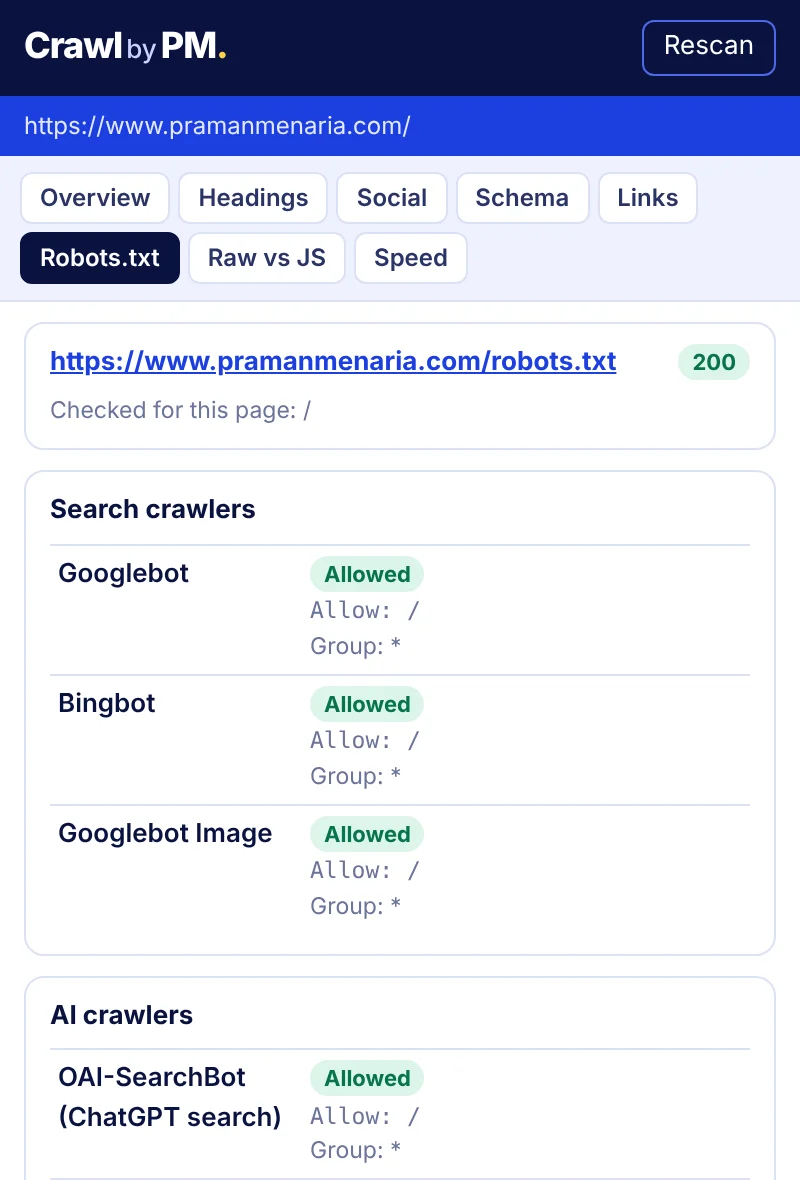
See which AI crawlers can read the page.
CrawlbyPM reads the site's robots.txt and tells you whether this exact URL is allowed or blocked for Googlebot, Bingbot and the AI crawlers that matter now: OAI-SearchBot, ChatGPT-User, GPTBot, Claude-SearchBot, ClaudeBot, PerplexityBot, Google-Extended and more. It shows the rule that matched, following Google's matching logic, and lets you test any other path.
Catch what only appears after JavaScript.
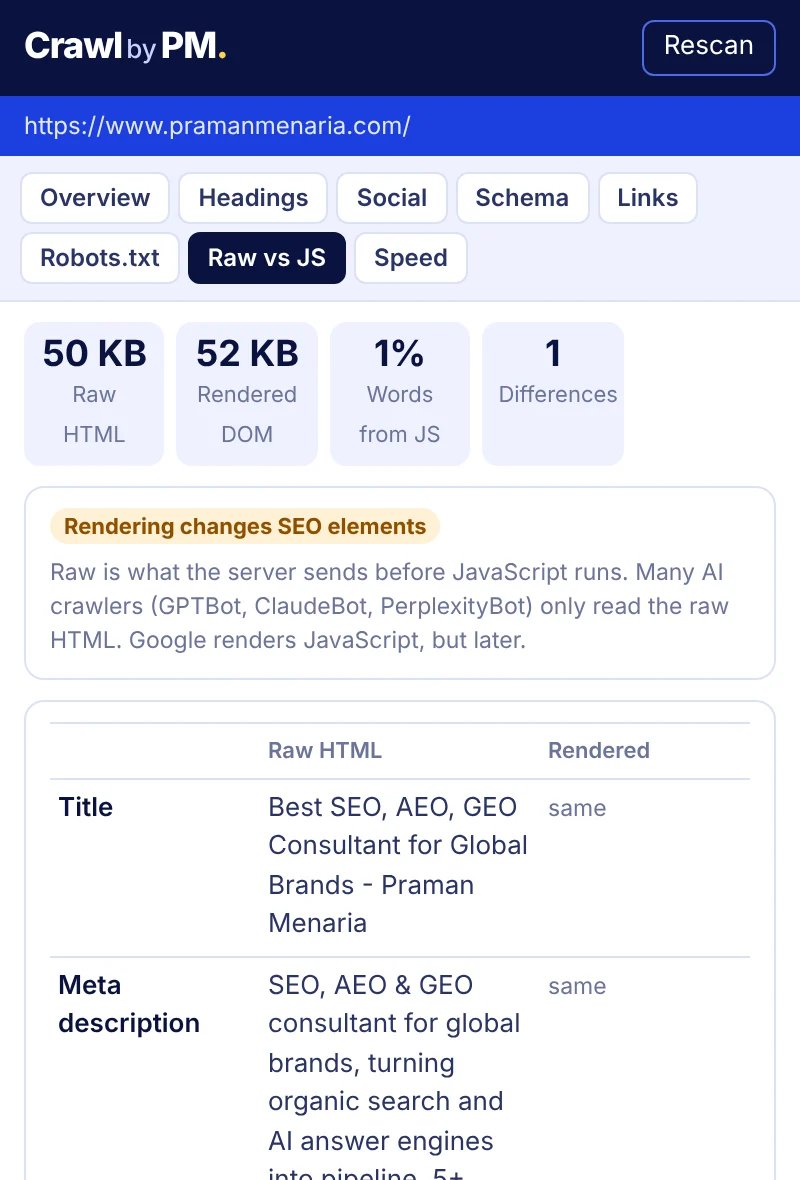
Raw HTML is what the server sends before any JavaScript runs. Google renders JavaScript, but many AI crawlers never do. The Raw vs JS tab compares the two side by side for title, description, canonical, robots, headings, links, word count and schema, and lists the headings and links that only exist after JavaScript.
A Lighthouse-style speed score from your own machine.
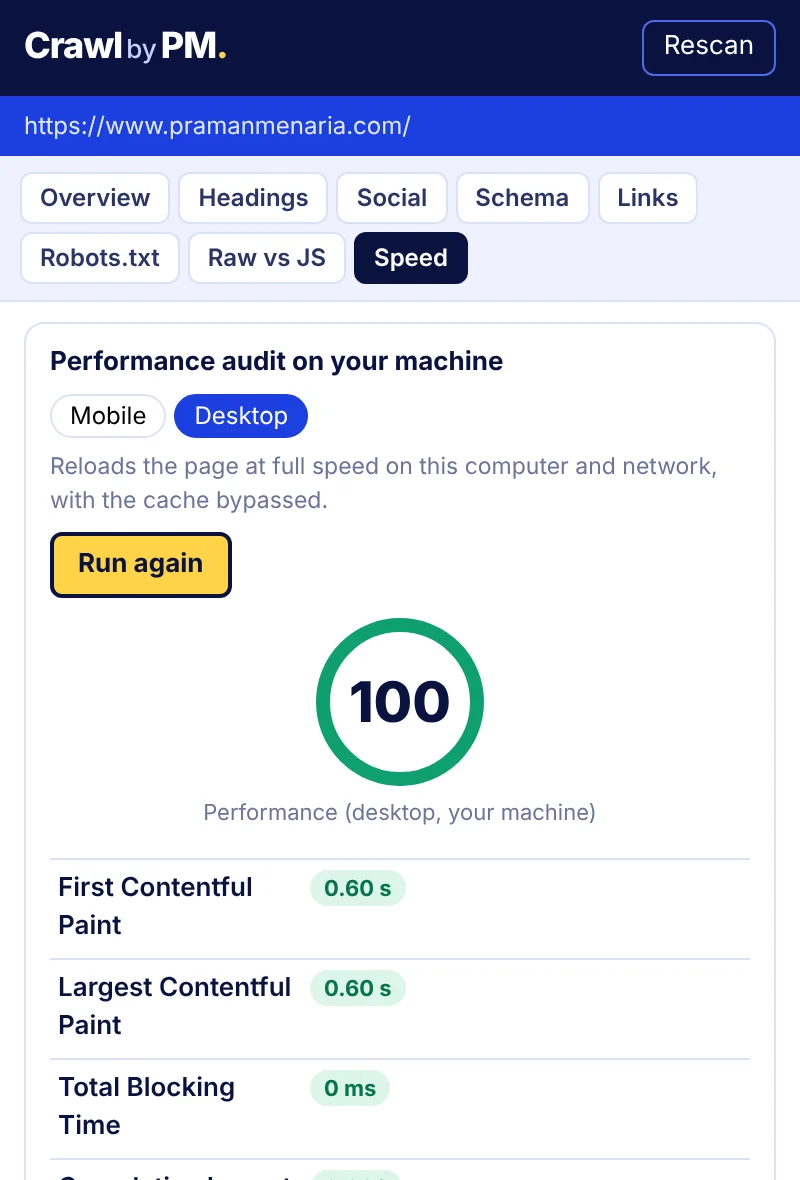
Run a performance audit in mobile or desktop mode. Mobile mode slows the tab like Lighthouse does, with a slow 4G connection and a 4x slower CPU. CrawlbyPM measures First Contentful Paint, Largest Contentful Paint, Total Blocking Time and Cumulative Layout Shift, and scores them with Lighthouse's own formula. No API key needed.
Also inside
Social tags
Open Graph and Twitter card tags with a share preview, and the key tags that are missing.
Schema
Every JSON-LD block with its types, invalid JSON errors, and one-click Rich Results Test.
Links
Internal, external and nofollow counts, plus a broken link checker with CSV export.
Built because the other SEO extensions open ad tabs.
CrawlbyPM has no ads, no analytics and no account. It collects nothing about you. The only requests it makes go straight from your browser to the site you are checking.